University Club Media Resources
These media resources have been designed for Universities Clubs to download and easily edit in Canva. There are instructions below, but if you need any support with this, please don't hesitate to get in touch.
Before you get started
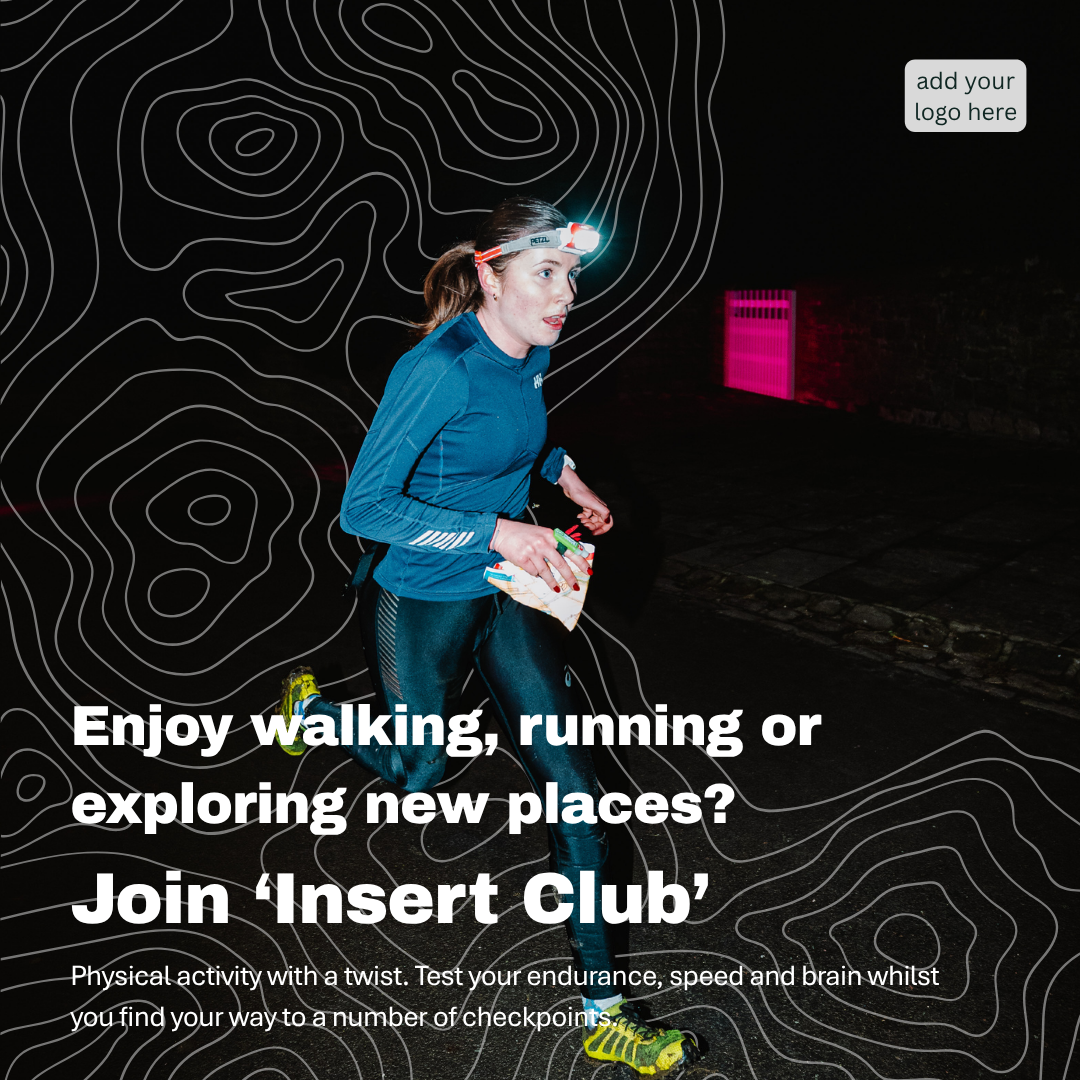
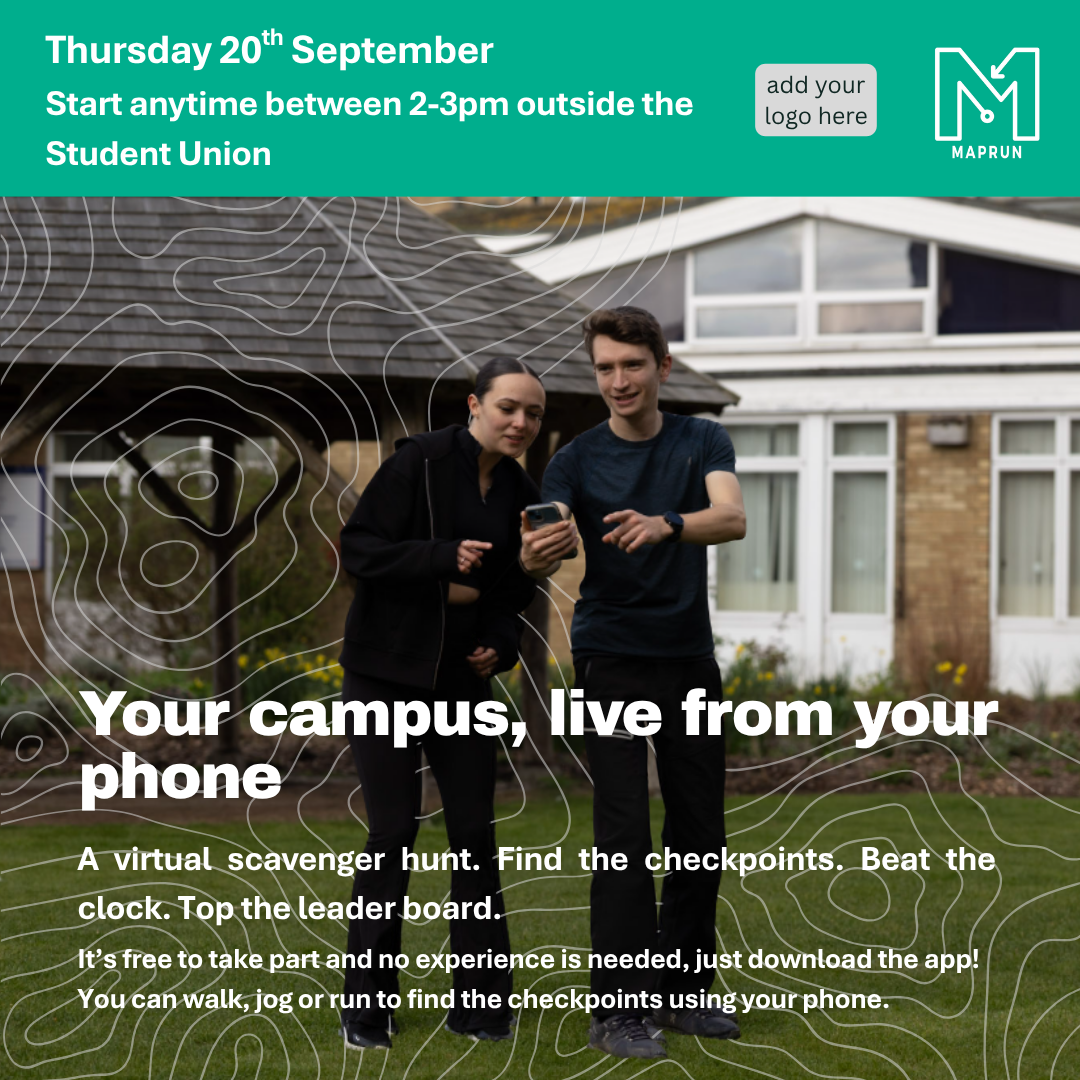
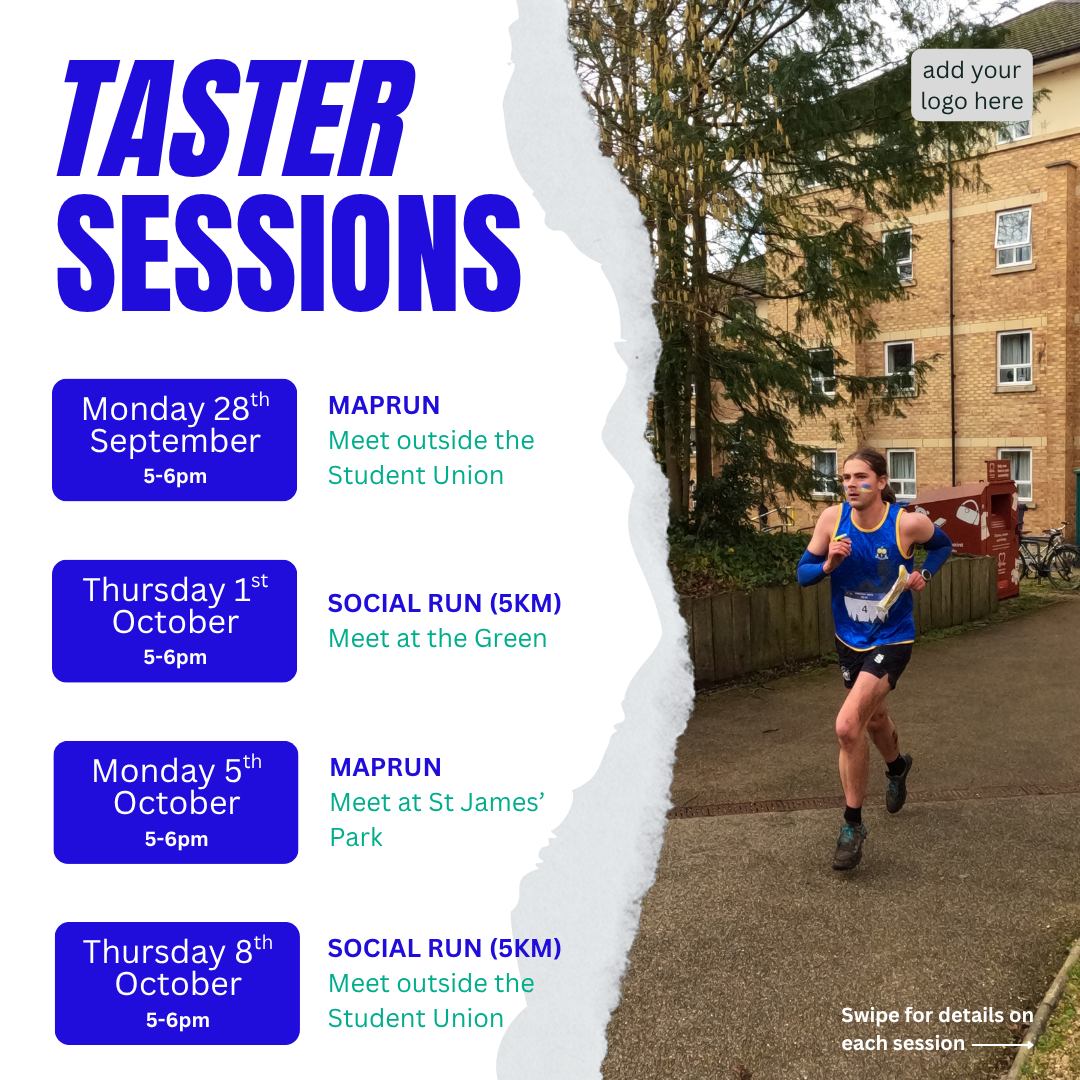
The social media card sizes we have provided vary. Cards are ready to download for Instagram or Facebook/X. Please click on the relevant link to download your content in the appropriate format.
Please use the free graphic design tool, Canva to modify your content in JPEG format. We highly recommend this format of updating your cards as it the easiest way to modify them. Simply create a free account, upload images, your club logo and access many more features to modify the blank templates.
How to use these templates:
1. Save the template you would like to use to your device. There are different options for the templates, where you can choose whether you insert your own image or text, so take a look the files.
2. Open Canva, and select 'Create' and then 'Upload'. Upload the file you have just downloaded, and press 'Open'. A pop will appear asking where you would like to 'Use in a new design' or 'Edit image'. Select 'Use in a new design'. Then select 'Custom size', and ensure the size is 1080 x 1080 px. Then 'Create the design'.
3. This will give you the template as an image in this design. Here you will be able to add your own image to the background, and your own text, and club logo.
4. To add an image to the background (if you have selected a blank template with no existing image), click 'Uploads' in the tool bar on the left of your screen. Upload your chosen image, and click to add this to your design. Then size up and send your image to the back (Left click your mouse, then select position). As many of the designs have been downloaded with a transparent background, adding your own image behind should be simple.
5. When your design is ready to download, click 'Share' in the topright had corner, and download as a png or jpeg.
If you need any further support on modifying or tailoring the social media card templates please get in touch: ggrant@britishorienteering.org.uk